
Screenshots
A look around
OpenSourceIntel Linux running live from the ISO, and the art drawn for it. Each picture says which release it shows.
On screen
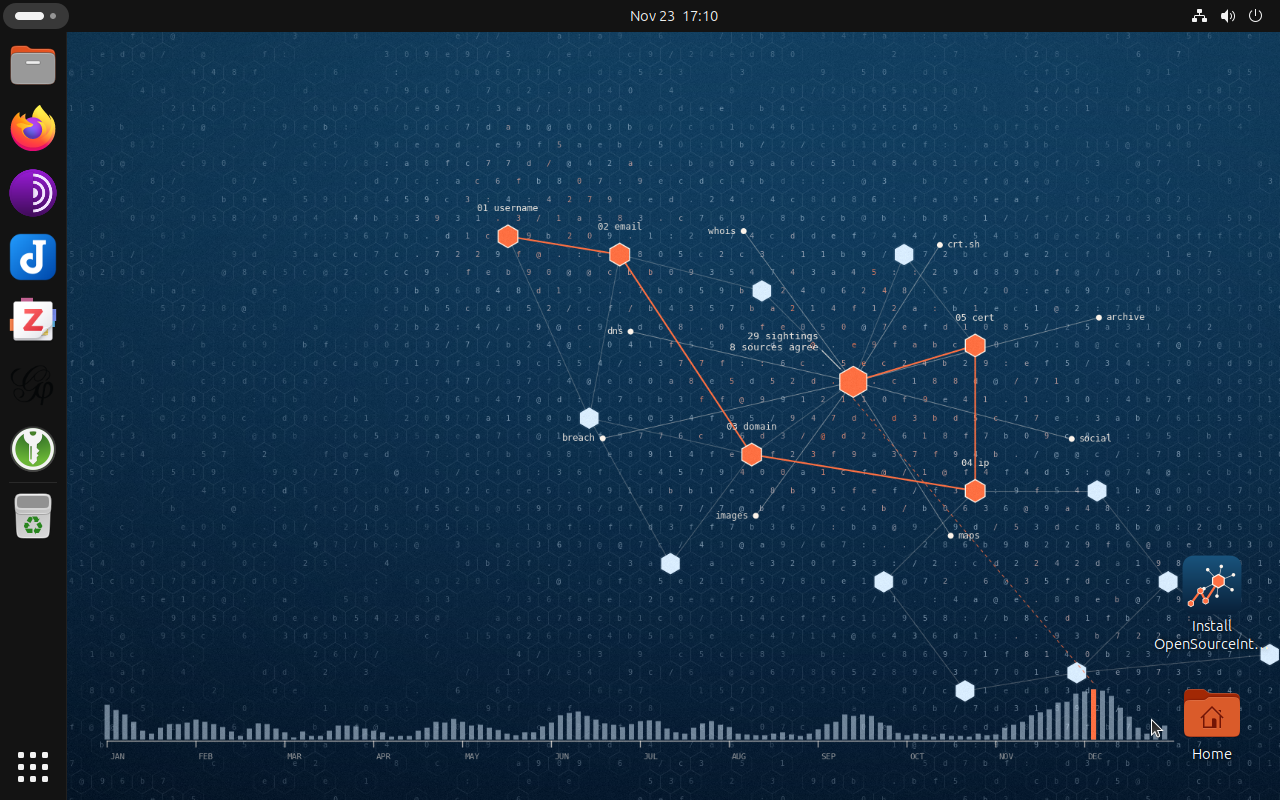
The desktop Screenshot
Started from a USB stick, straight to the desktop. The browsers and the note-keeping apps are in the dock; OSINT Tools, SpiderFoot and Get Maltego are in the Apps grid.
Captured by the linuxlive build test of OpenSourceIntel Linux 0.1, 23 November 2026. Full size
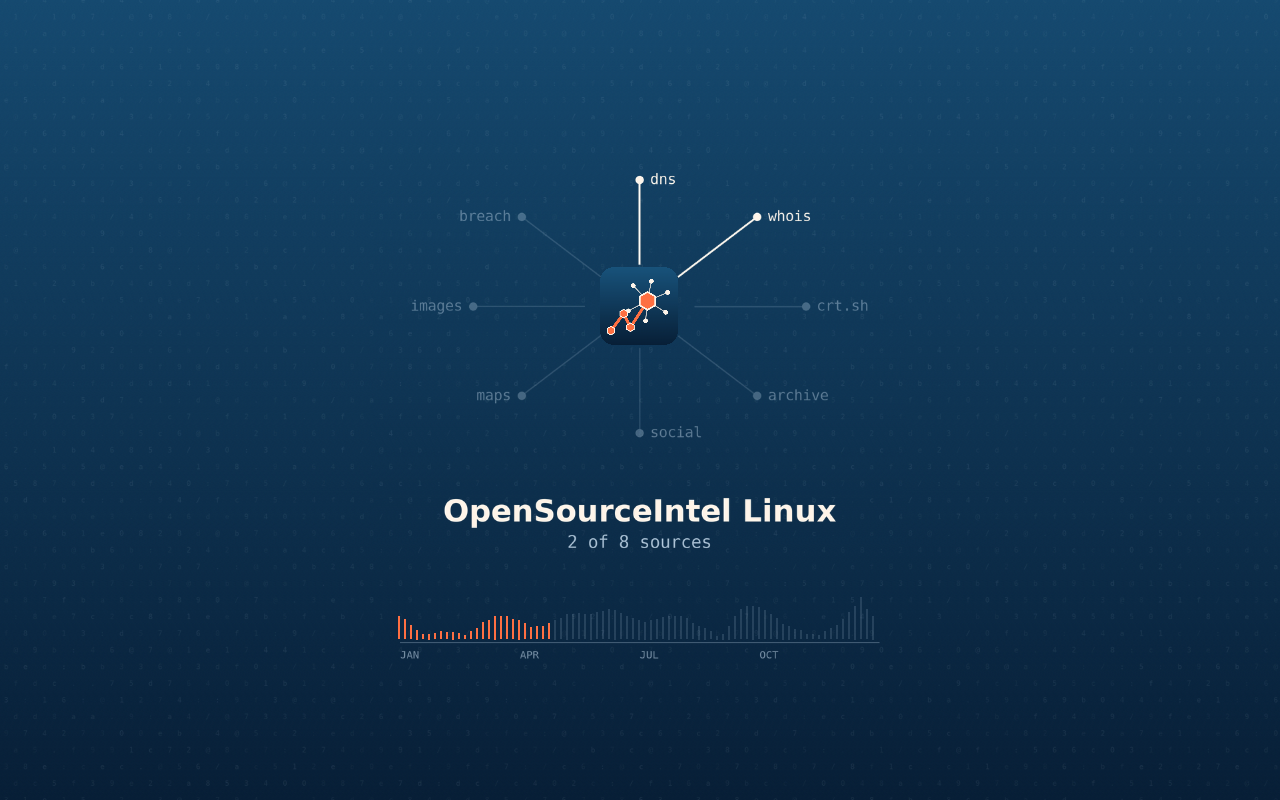
The boot splash Screenshot
While the computer starts, the sources connect to the logo one by one and the timeline fills in orange. At the hand-off to the desktop it reads 8 sources agree.
Captured by the linuxlive build test of OpenSourceIntel Linux 0.1, 23 November 2026. Full size
Artwork
Drawn in code for OpenSourceIntel Linux, and free to use under MIT No Attribution.
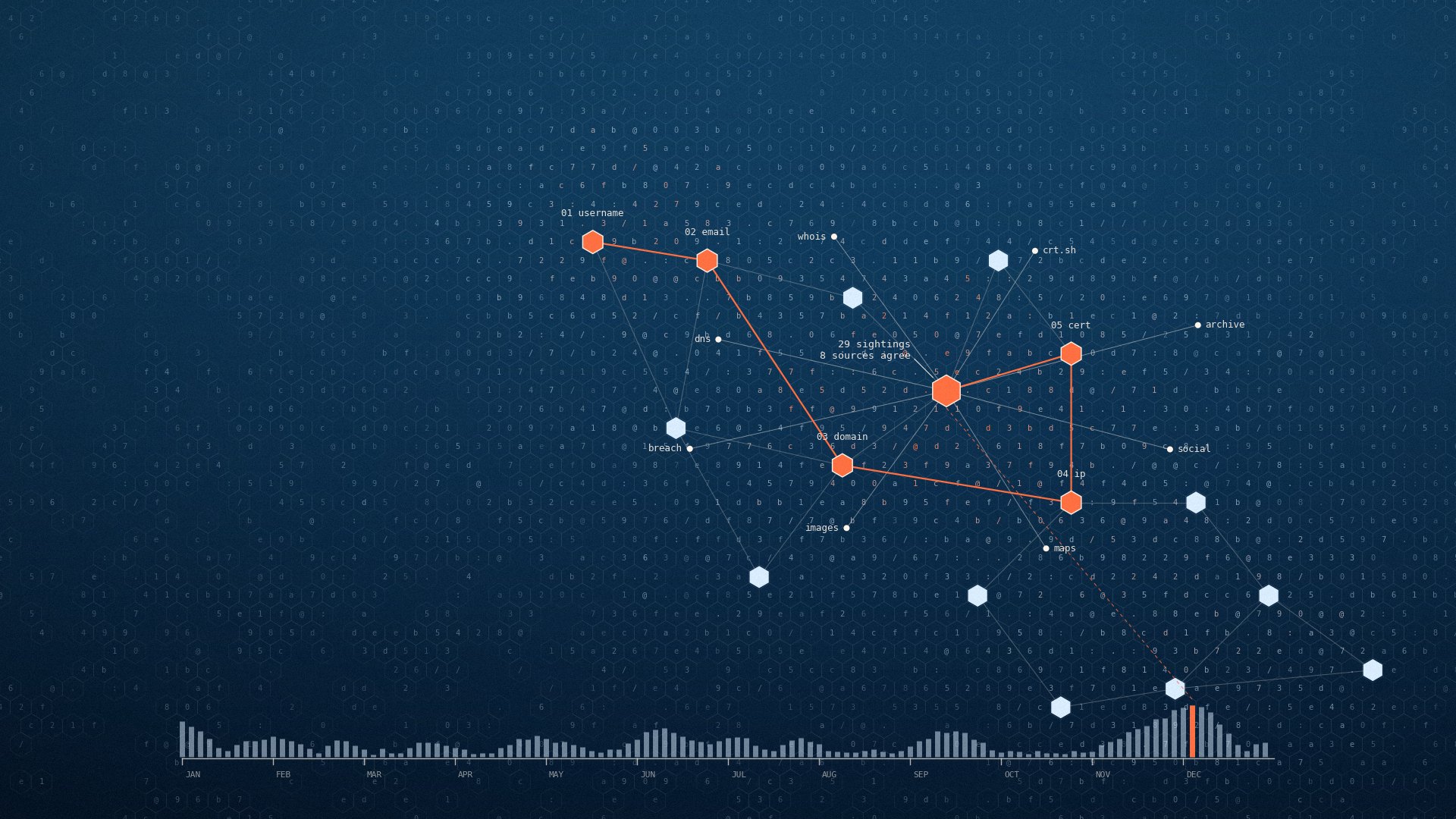
The wallpaper Artwork
An investigation in one picture: a pivot from a username to a certificate, a finding eight sources agree on, the network around it and when it happened.
Drawn with Python and Matplotlib for OpenSourceIntel Linux. MIT No Attribution. Full size

The logo Artwork
A pivot trail into a finding, with its sources. It is on the boot screen, in About and as the installer’s icon.
Drawn for OpenSourceIntel Linux, MIT No Attribution. Full size
See the rest for yourself
The quickest tour is the live session: start it in a virtual machine or from a USB stick, and nothing on your computer changes.